Key points
- Start with the machines that hurt most when they stop: twenty jobs done beat two hundred skipped.
- Take each interval from the manufacturer's manual or the regulation, then adjust it for real use.
- Spread monthly and quarterly jobs across the weeks, so no single day holds them all.
- Fixed dates keep the workload where you put it; floating dates drift when jobs run late.
- Review after a quarter: shorten an interval when something fails between services.
What a preventive maintenance schedule is
A preventive maintenance (PM) schedule answers four questions for every job you do on purpose rather than because something broke:
“Grease the conveyor bearings on line 2, every month, Luis” is one line of a schedule.
The plan decides which assets get preventive maintenance at all, and why. The checklist says what the technician does at the machine. The schedule is the calendar in between: when each job comes due and whose day it lands on.
How many hours a rollout takes, and how to group tasks into one job, is in the preventive maintenance program guide.
A preventive maintenance schedule template
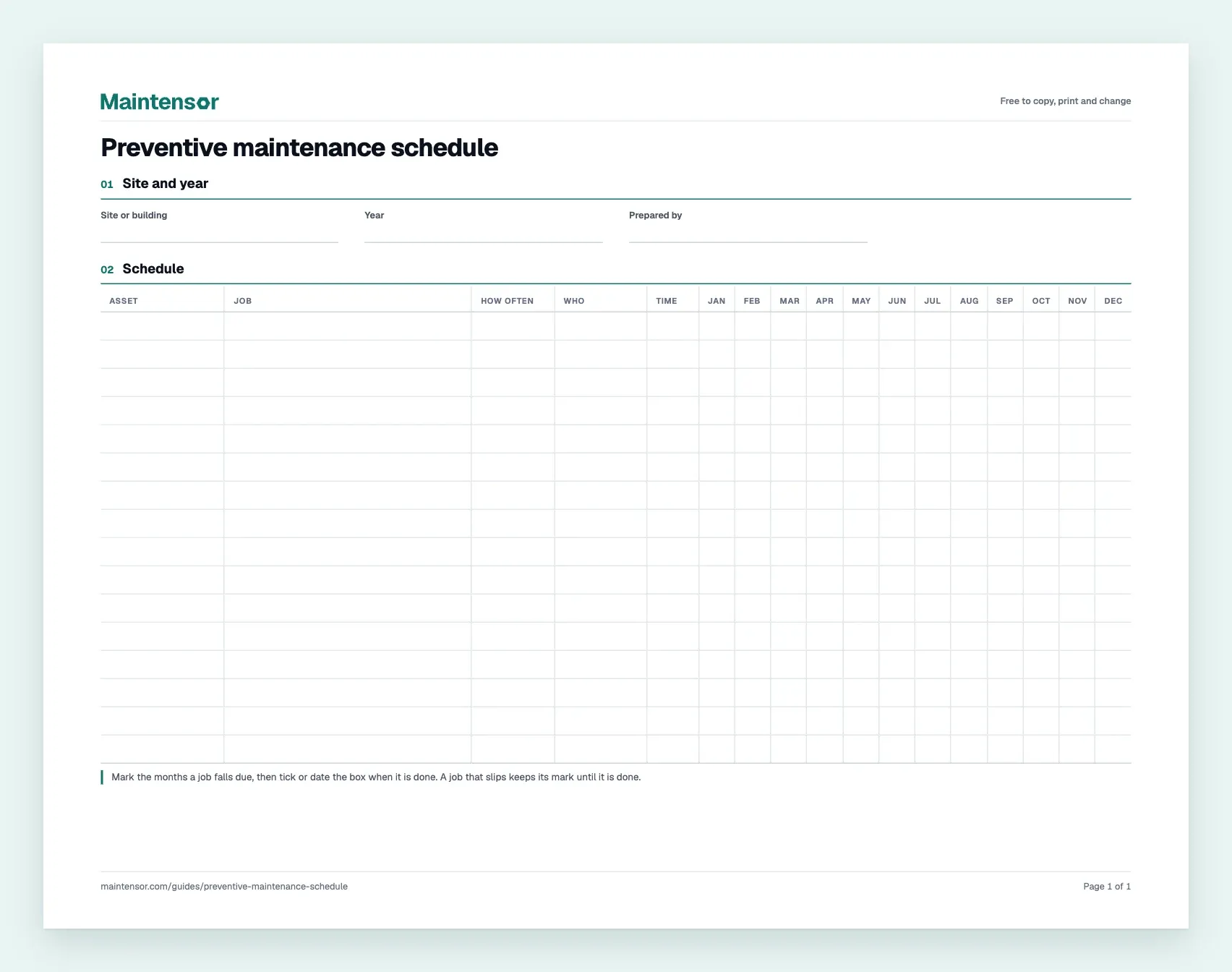
A year on one landscape page, free and with no sign-up: a line for each job, then a box for each month. Mark the months a job falls due, and tick or date the box when it is done, so a slipped job stays in sight.
How to build a preventive maintenance schedule in seven steps
1. List the assets
Write down every piece of equipment that gets maintained: what it is, where it is, make, model and serial number. The asset register guide covers how.
2. Start with the assets that hurt when they stop
For each asset, ask what happens when it fails. Does shipping or production stop? Is anyone at risk? Is there a spare? One air compressor feeding a whole plant stops everything. The breakroom ice machine stops nobody.
Schedule the top of that list first. Twenty jobs that get done beat two hundred that get skipped. Add the rest once the first ones are a habit.
3. Take intervals from the manual, then adjust with experience
The manufacturer’s manual lists the tasks and how often to do them. Some intervals are set by regulation.
Intervals a rule sets
In the US, OSHA requires forklifts and other powered industrial trucks to be examined at least daily before being placed in service, and after each shift where they run around the clock.
It also requires portable fire extinguishers to be visually inspected monthly and given an annual maintenance check. In Canada, check your province’s or territory’s workplace safety rules and fire code.
Then adjust for real use. A compressor in a hot, dusty corner clogs its filter sooner.
4. Set the frequency
Turn each interval into a calendar rule: daily, weekly on a set day, monthly on a date or a weekday, quarterly (every 3 months), twice a year (every 6 months) or yearly. “Monthly” is not yet a schedule. “The second Tuesday of every month” is.
5. Assign each job to a person
Every line gets a name, not “maintenance”. If a job needs two people or a contractor, write that down. Put a time on each job too, corrected once it has been done a few times. Without times, there is no way to tell whether a week is full.
6. Spread the load across the weeks
Put jobs on different days, so no single day holds them all:
- Monthly jobs go on different weeks of the month.
- Quarterly jobs are staggered across each quarter, not piled into its first month.
- Long yearly jobs go in the slow season.
- Room for breakdowns stays free every week, because preventive work is the first thing dropped when repairs fill the week.
Lay out the year by month in the browser: maintenance schedule maker.
7. Review after a quarter
After three months, and every quarter after that, look at which jobs ran late or were skipped, and why. Then ask:
Preventive maintenance schedule example: a small warehouse
Say a made-up distribution warehouse has this equipment:
Two technicians, Luis Ortega and Sarah Mitchell, look after all of it, and the forklift operators do their own pre-shift checks. Every interval and time below is made up for the example, except the intervals marked OSHA. Your manuals win over this table.
| How often | Job | Assets | Who | Time |
|---|---|---|---|---|
| Daily | Pre-shift check: forks, chains, tires, brakes, horn, lights, leaks, battery (OSHA) | 4 forklifts | Each operator | 10 min a truck |
| Weekly, Monday | Walk the line: belt tracking, guards in place, bearings by ear, emergency stops | Conveyor | Luis | 30 min |
| Weekly, Wednesday | Run each door and leveler through a cycle, check seals, bumpers and lip | 6 dock doors | Sarah | 45 min |
| Monthly | Grease, chains and mast, battery terminals | 4 forklifts | Sarah | 45 min a truck |
| Monthly | Clean the intake filter, check belts, test the relief valve | 2 compressors | Luis | 30 min each |
| Monthly | Lubricate bearings and drive chain | Conveyor | Luis | 1 h |
| Monthly | Visual inspection (OSHA) | 12 extinguishers | Sarah | 30 min |
| Quarterly | Lubricate springs, hinges and rollers, check leveler hydraulics | 6 dock doors | Luis and Sarah | 3 h |
| Quarterly | Change the oil and oil filter | 2 compressors | Luis | 1.5 h each |
| Quarterly | Planned service | 4 forklifts | The dealer | Half a day |
| Yearly | Annual maintenance check (OSHA) | 12 extinguishers | Fire protection contractor | Half a day |
| Yearly | Belt, pulleys, motor and gearbox, full inspection | Conveyor | Luis and Sarah | 1 day |
ExampleSpreading the monthly jobs over the Tuesdays
If every monthly job were due on the 1st, that day would hold 5.5 hours on top of whatever broke overnight. Spread over the Tuesdays of the month:
| Monthly on | Jobs | Time |
|---|---|---|
| The first Tuesday | Forklift 1, compressor A | 1.25 h |
| The second Tuesday | Forklift 2, conveyor | 1.75 h |
| The third Tuesday | Forklift 3, compressor B | 1.25 h |
| The fourth Tuesday | Forklift 4, extinguishers | 1.25 h |
The same 5.5 hours now adds less than 2 hours to any one week.
The quarterly jobs get the same treatment: dock doors in the first month of each quarter, compressors in the second, the forklift dealer in the third.
Fixed dates or from the last completion
Use fixed dates for work with an outside date, and count from the last completion where the gap between services is what matters:
| Fixed (by the calendar) | Floating (from the last completion) | |
|---|---|---|
| When it is due | On set dates | Counted from the day the last one was finished |
| What it suits | Work with a date set from outside, such as an inspection a regulation or an insurer expects | Wear tasks where the gap between services is what matters |
| The workload | Stays where you put it | Drifts: over a year, monthly jobs you spread across four weeks can bunch together again |
| What it costs | A late job leaves a short gap before the next | A habit of finishing late becomes a longer interval that nobody chose |
Say, as a made-up example, a monthly service due on the 15th is done on the 22nd. On a fixed schedule, the next one is due on the 15th of next month, about three weeks later. On a floating schedule, it is due on the 22nd, and every service after it has moved a week too.
Maintensor schedules by fixed dates, and there is no setting to count from the completion date instead. When a repeating work order is completed, early or late, the next one is due on the next date of its schedule after the current one’s due date, so the rest of the year does not slide. If that date has passed too, the next one is due on the first date of the schedule after today: one job, not a pile of missed ones.
Calendar, meter or run hours
A calendar schedule comes due by date. A meter schedule comes due by use: every so many operating hours, miles or cycles. A fleet shop changes oil by miles; a plant may service a compressor by run hours.
Some maintenance systems take meter readings and create the job when the count is reached. Maintensor does not: its schedules follow the calendar only. If your manual gives an interval in hours, turn it into a calendar interval using your typical use.
ExampleTurning run hours into weeks
Say a forklift runs one 8-hour shift, five days a week: about 40 hours a week. If its manual says every 250 hours, that service comes around every 6 weeks or so.
Record the hour meter at each service, and change the interval when real use moves away from the guess.
That works when use is steady. A fleet where one truck covers three times the miles of another is better served by a system that schedules by the odometer.
Keeping the schedule from slipping
Three habits keep a schedule whole, because it fails one skipped job at a time.
When the rate falls month after month, the schedule asks for more hours than the crew has: cut it, spread it or staff it.
The schedule as repeating work orders in Maintensor
In Maintensor, a preventive job is a work order with a repeat on it. The preventive maintenance software page shows each part.
- The repeat: Daily, Weekly on the weekdays you pick, Monthly on a date or on a weekday (the second Tuesday), or Yearly, each every 1, 2 or more. Quarterly is Monthly, every 3. A repeat needs a due date.
- The next job: when a work order is completed, the next one is created with the same details and a blank checklist.

- The week: a repeating job with a person on it shows on the planner, and its estimate counts toward that person’s 8-hour day.
- On time: Reporting, which admins see, shows work orders on time against late, recurring and non-recurring apart.
- Plans: Free holds up to 5 repeating jobs. The planner and reporting are on Pro and Max.
- A schedule you already keep: on Pro and Max, an Admin can import a spreadsheet with a Repeat column, such as “Every 3 months”.
What it does not do
There are no meter or run-hour triggers, and no export to a spreadsheet. Nothing is emailed when a job goes overdue: it shows as overdue in the work order list, so someone has to look. One work order of each series is open at a time, so there is no calendar of next year’s jobs: turn on Recurring only in the work order list’s filters to see every repeating job and its due date. Only Admins and Full users can answer checklists, so a forklift operator who does the daily check in the app needs a Full user account.