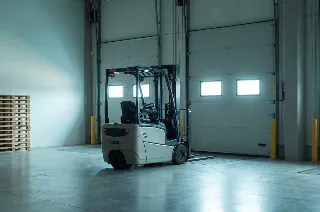
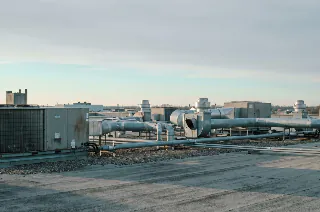
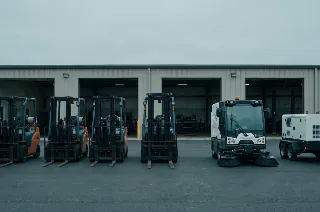
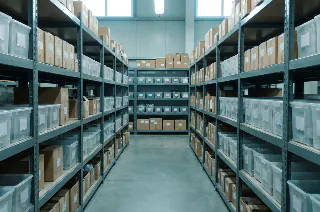
Locations nest as deep as your site goes. Ten identical machines are one asset with ten units, so a fault on one bay never hides in a list of lookalikes.
Plain answers to what comes up first. The numbers are on the pricing page. The free tools work without signing up.
What is a CMMS?
CMMS stands for computerized maintenance management system. It is software that keeps a maintenance team's work orders, preventive schedules, assets, spare parts and maintenance history in one place. Maintensor is a CMMS built to be understood without training.
Who is Maintensor for?
Maintenance teams that look after equipment or buildings: manufacturing and food plants, warehouses, facilities, fleets and hotels. It suits a team that has outgrown a whiteboard or a shared spreadsheet and wants one clear record of the work.
How is it better than a spreadsheet?
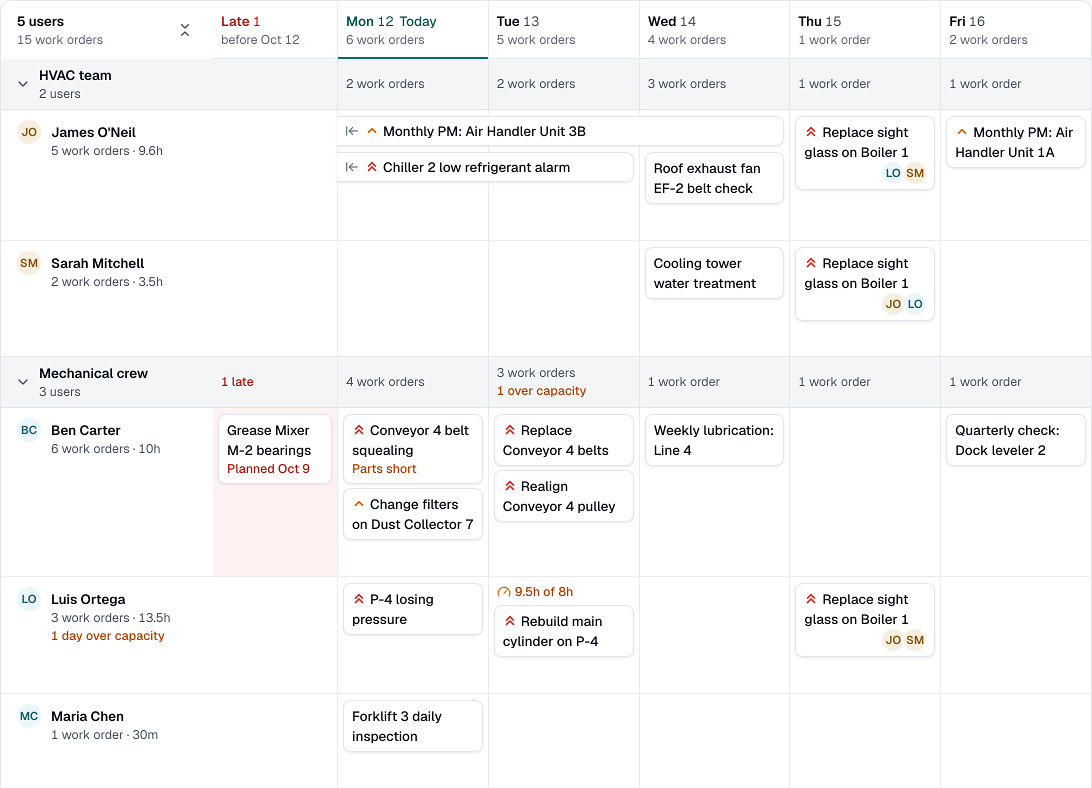
A spreadsheet can list machines and jobs. It cannot tell anyone that a service is due, show who is overbooked this week, or keep the history of what was done. In Maintensor, completing a repeating job creates the next one, parts leave stock when a job is finished, and each work order keeps a history of who was assigned, every change of status and when it was completed.
How does preventive maintenance scheduling work?
Set a work order to repeat daily, weekly on chosen weekdays, monthly on a date or a weekday, or yearly. When it is completed, the next one is created with its checklist, parts and assignees, and its due date is already set.
How long does it take to set up?
You can create your organization, add an asset and write your first work order in one sitting. The app opens on four first steps, and there is no implementation project.
Can I bring in the spreadsheets I already have?
Yes, on Pro and Max. An Admin can import locations, assets, parts with their stock, vendors, work orders and users from an Excel or CSV file. The columns are matched by name, every row is shown before anything is saved, and each import is kept as a record of what it created and changed.
Does it work on a phone? Is there a mobile app?
Maintensor is a web app that runs in the browser on a desk or on a phone, so there is nothing to install. On a phone it shows one pane at a time, puts the main action at the bottom of the screen, and runs checklists full screen, one step at a time.
Can people outside the maintenance team report problems?
Yes. Give them the Requester role. They describe the problem in a short form and can follow their request until it is fixed. An admin approves it into a work order or declines it with a reason.
Can it track spare parts and purchasing?
Yes. Each part has a stock count and a reorder level for every storeroom, and it warns you when open work orders need more than is on hand. Purchase orders go from draft to approval to received, and receiving one adds the stock.
What reports does it include?
On Pro and Max, Reporting has two views. Work orders: open and overdue work, the on-time rate and MTTR, each set against the period before, then created against completed, preventive against reactive work, and work by status, priority and assignee. Assets: downtime, unplanned downtime, and the most problematic assets with their MTBF. Max adds a third view, cost and labor. Filter by date range, location, assignee or category.
What does it cost, and is there a free trial?
There is a Free plan for up to 3 users, with no card and no end date. The paid plans are priced per user and published on the pricing page, and every new team gets 30 days of Pro free, without a credit card.
Put one real job through it.
Start the trial, add one asset and write one work order. By the end of the afternoon you will know whether it fits your team.