What the floor found, waiting in one queue.
Shift supervisors report a leveler that drops or a hit upright in one line and follow it until it is fixed. You approve it or decline it, and the supervisor reads your reason.

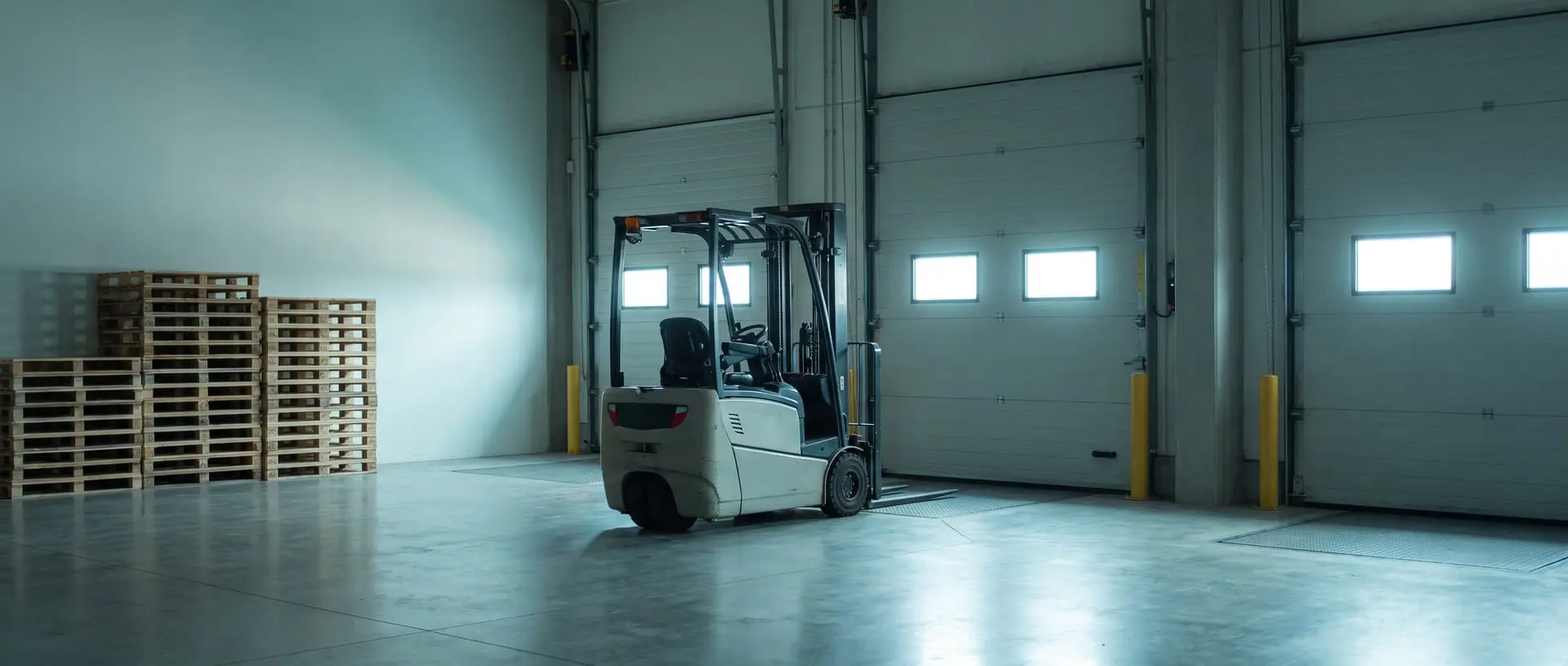
A warehouse CMMS a shift supervisor can use on day one. A stuck door or a bent upright is reported in one line, lift truck checks run step by step, and the door that is down shows as down.
What it does there
Shift supervisors report a leveler that drops or a hit upright in one line and follow it until it is fixed. You approve it or decline it, and the supervisor reads your reason.
Forks and chains are each answered Pass, Flag or Fail. A stiff link gets a finding and a photo, a follow-up work order and the offer to mark that truck down.

A dock's doors, levelers and trucks come in sets, so each set is one asset with a unit for each. Door 4's repairs stay on Door 4, and one bad door never hides among the others.

A door repair needs two photo eye sets and the maintenance shop holds one. The part shows how many short the job is, while there is time to order before the next door goes down.

In warehousing
The dock sets the pace here: one stuck door or tagged-out truck holds up the trailers behind it.
Questions
See every module on the features page. Lay out the year's door and leveler services with the free maintenance schedule maker.
It is software that keeps a warehouse's maintenance in one place: the work orders, the inspections and services that repeat, the dock doors, lift trucks and conveyors, the spare parts and the history of what was done. Maintensor looks after the equipment and the building. It is not a warehouse management system: it knows nothing of your goods, picks or dock appointments.
Yes. Build the inspection once as a procedure and set it to repeat daily on each truck. It runs full screen on a phone, one step at a time. In the US, OSHA 29 CFR 1910.178(q)(7) has trucks examined before being placed in service, at least daily, and after each shift where they run around the clock. The shortest repeat is daily, so a round-the-clock site needs one repeating job for each shift. The app records the answers and certifies nothing. Whoever answers a checklist needs a Full user seat: a requester can only report problems.
Yes. Give them the Requester role. They report a problem in a short form, in words only with no photo, and follow it until it is fixed. Requesters cost nothing in any plan, but cannot run checklists: a supervisor who also does a pre-shift check needs a Full user seat, and that seat writes work orders directly and has no Requests screen.
No. A checklist step can record the hour meter as a number, and that number is kept with the job. The app does not read meters or count battery cycles, and it does not schedule work from them, so a service a maker sets by hours has to be turned into a calendar repeat, from the hours each truck runs in a month.
Yes. Identical equipment can be kept as units of one asset, such as one dock door asset with twelve doors. Each unit has its own status and its own work orders, and one job can be created for several units in a single step. On Pro and Max, each door can carry a QR label that opens Report a problem with that door filled in, once the person has signed in.
Yes, in the browser, so there is nothing to install. It needs a network connection: there is no offline mode, so check the signal down the rack aisles and out at the dock first.
Start the trial, add your dock doors as one asset and give the shift leads the Requester role. A week of trailers coming and going will show whether the queue keeps up.
30-day free trial. No credit card.