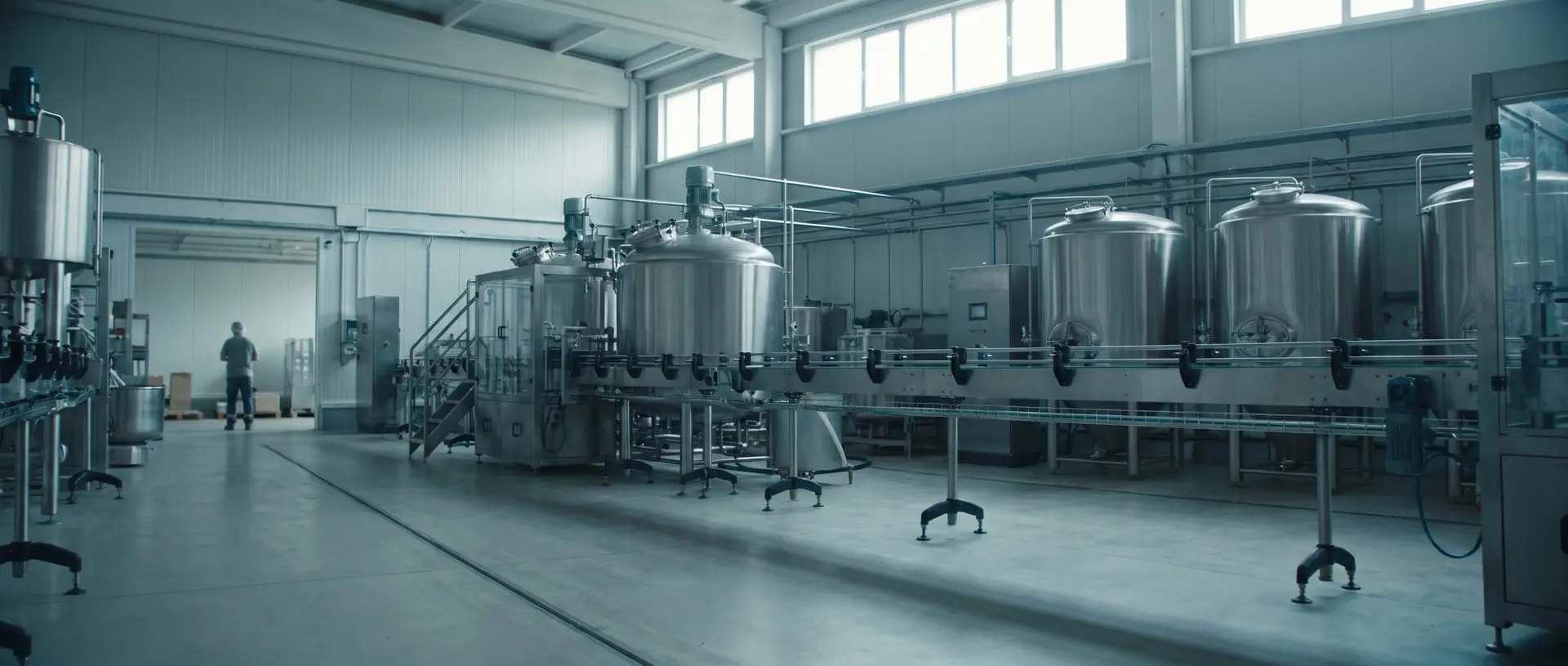
Manufacturing maintenance software for the plant that has to keep running.
A CMMS for manufacturing that a crew picks up in a day. Book services on presses, conveyors and CNC machines for days production can plan around, count the hours a machine is down, and see a short part before the job starts.
A service on a set day, so production can plan around it.
Set a job to repeat every 4 weeks, every Wednesday, or on the second Tuesday of the month, and the next is created with its checklist, parts and assignee. Nothing comes due from run hours or press cycles.
Belt deflection goes in as a reading and pulley alignment as a check, two of fourteen step types. A failed alignment asks for a finding and a photo, and offers a follow-up work order.
Ten CNC machines are one asset with ten units, each with its own work. Each bay carries its own mark, so a fault on Bay 3 never hides among the others. Down counts as unplanned downtime and In maintenance as planned.
Two storerooms count their V-belts apart, each with its reorder level. A job that wants more than its own storeroom holds shows how many short, and on Max the purchase order that will refill it.
In manufacturing
Built around the equipment a plant runs on.
A stopped line costs output or overtime, so planned work has to fit changeovers, weekends and shutdowns.
Conveyors and packaging linesBelt checks and weekly lubrication repeat on the day you choose, and completing one creates the next. A changeover follows production, not the calendar, so that job is created by hand.
Presses and hydraulicsList the seal kit and the hydraulic oil on the rebuild before the shutdown, and the app warns you when the storeroom is short.
CNC machines and machine toolsTen identical machines fit under one asset, each bay marked on its own. Nothing comes due from spindle hours, so a service runs by date.
Dust collectors, compressors and air handlersA compressor that stops can take the line with it. Filter changes and monthly services repeat with their checklist and filters on the job.
Forklifts and lift trucksThe operator's daily truck check runs full screen on a phone, one step at a time. Whoever answers it needs a Full user seat.
Lockout points and guardsPut the lockout step first and end on guards back in place. A required step can still be skipped at finish, and the skip is written on the job's history. Your energy control procedure stays your own.
A CMMS, or computerized maintenance management system, keeps a plant's work orders, preventive schedules, machines, spare parts and maintenance history in one place. In a plant it replaces the whiteboard by the line and the spreadsheet a maintenance team outgrows. Maintensor covers the maintenance side only: it has no link to a production schedule or an ERP.
Can it handle a plant with many identical machines?
Yes. Identical machines can be kept as units of one asset, such as one CNC machine asset with ten bays. Each unit has its own status and its own work orders, and one job can be created for 2 to 100 units in a single step.
Can operators report problems from the floor?
Yes. Give operators the Requester role. They describe the problem in a short form and can follow their request until it is fixed. An admin approves it into a work order or declines it with a reason. Requesters cost nothing in any plan, but cannot run checklists: an operator who answers a daily machine or lift truck check needs a Full user seat.
Does it track downtime?
Yes, in hours, not in lost output. Mark a machine, or one unit of it, as Down or In maintenance, and the assets list shows what is not running. The time until it runs again is its downtime, unplanned or planned. On Pro and Max, Reporting shows the five machines with the most unplanned downtime, with their MTBF, and the five locations with the most downtime. Units count under their machine, and time runs by the clock, so a closed weekend counts. It records no units lost and no scrap, so what an hour costs a line is your own figure to work out.
Does it work on a phone on the plant floor?
Yes, in the browser, so there is nothing to install. On a phone the list and the record are shown one at a time, and a checklist runs full screen, one step at a time. It needs a network connection: there is no offline mode, so check the signal in the far bays first.
How long does it take to set up?
You can create your organization, add one machine and write its first work order in one sitting. The app opens on four first steps, and there is no implementation project. A plant's machine list can come in from Excel or CSV on Pro and Max, the trial included.